How to Use Living Emails with Mailchimp
Living Emails for Mailchimp use images hosted by an external rendering service to show product information that’s current when an email client requests the image.

 Quarticon
Living Emails for Mailchimp use images hosted by an external rendering service to show product information that’s current when an email client requests the image.
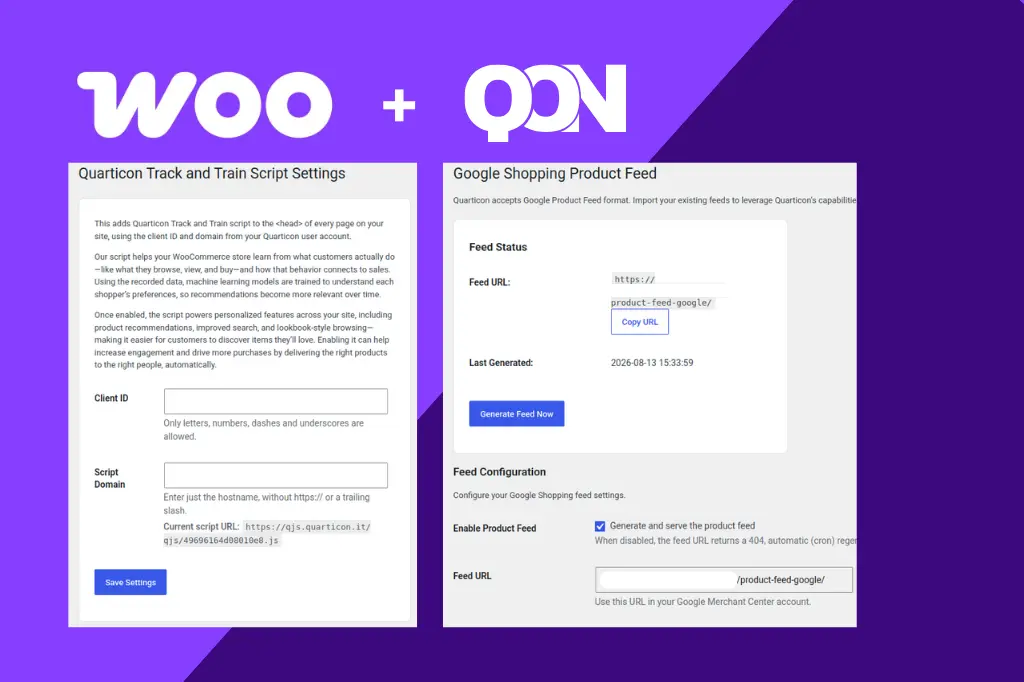
Connect your Woocommerce store with Quarticon and increase sales without the need to install any other tools or invest in media. Our Woocommerce plugins let you enable our AI Smart Search in your Woocommerce store, product recommendations, advanced AI product recommendation engine, Lookbook, Social Storefront and many more. Quarticon Track & Train Plugin for Woocommerce … Read more
Living Emails let you display product content that can be updated when an email image is requested.
Living Emails let you place product cards in Brevo emails that are rendered by the Living Emails service when an email client requests the image
Each offer is tailored individually to the customer’s needs and constists of above 90 functionalities. In order to check packages and the estimated price, visi
To speed up the process of integrating our recommendation engine in your online shop, you can use ready-made plug-ins. Below you will find instructions on how
Thanks to the Unchangeable phrases function, you can customise the search process yourself and increase its precision and effectiveness in your online shop. Ho
The starting point for the self-implementation of the AI Smart Search product is signing a contract with a QuarticOn sales representative or filling in the for
Our system will accept the XML catalogue (feed) in the Google Merchant format, i.e. an XML file prepared according to the specifications specified by Google.If
The purpose of this script is to collect information about transactions made in the online shop. Its content can be found in the section Settings -> My Scripts
Another script necessary to collect all data is also a product view script, which is located in the tab Settings -> My scripts -> Tagging product page and tran
The QuarticOn system can analyse user activity on the website and collect updated data thanks to intelligent scripts. They are:the master script which should b
The easiest way to launch QuarticOn solutions and integrate them with the website of your shop is to insert the appropriate script into the website code. The u